You can register for a free trial version of Ceburu for 14 days to completely utilize the benefits of all of its features. You can register on the Ceburu website.
1. Navigate to the Ceburu website.

2. Click Free Trial.
The Create New Account page is displayed.

3. Enter the name of your company in the Company Name field.
4. Enter the name of the contact person in the Contact Person field.
5. Enter your email ID in the Email Address field.
6. Enter your contact number in the Phone Number field.
7. Enter the contact address in the Address field.
8. Select the country from the Country drop-down list.
9. Enter your city and zip code in the City and Zip Code field.
10. Click Sign up.
A confirmation message will be displayed.
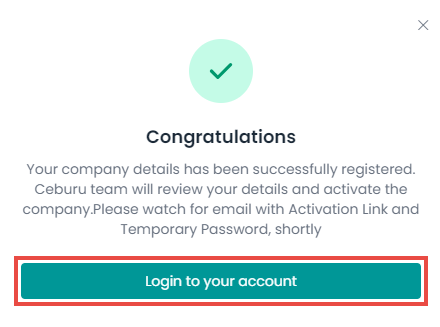
11. Click Login to your account.
Note: To log into the account, your account should be approved and activated by our admin. Once it is activated, you will be notified on your registered email address. Once approved, you can log into your Ceburu account.
For more information, refer to How to Log in/Log out of Ceburu?
Was this article helpful?
That’s Great!
Thank you for your feedback
Sorry! We couldn't be helpful
Thank you for your feedback
Feedback sent
We appreciate your effort and will try to fix the article